
Bus Staff App · Android & iOS
Every child on board. Every stop on time.
The Together Transport app gives drivers and bus monitors everything they need on one screen: the route, the students at each stop, directions, and a quick way to reach the school.
A whole route in four steps
Simple enough to learn in one session, so staff can keep their attention on the road and the children.
1
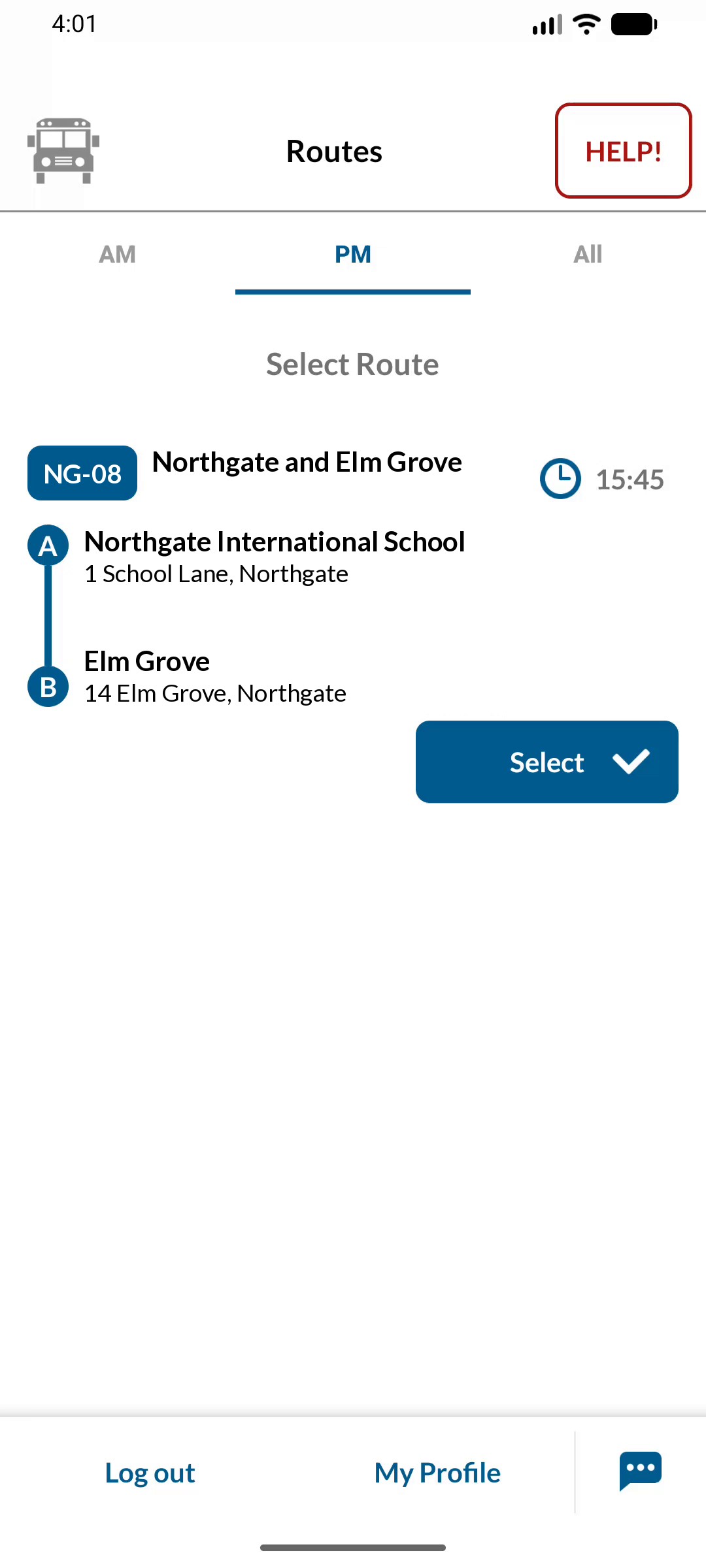
Pick today's route
Routes are split into AM and PM, so staff always start the right journey on the right bus.
2
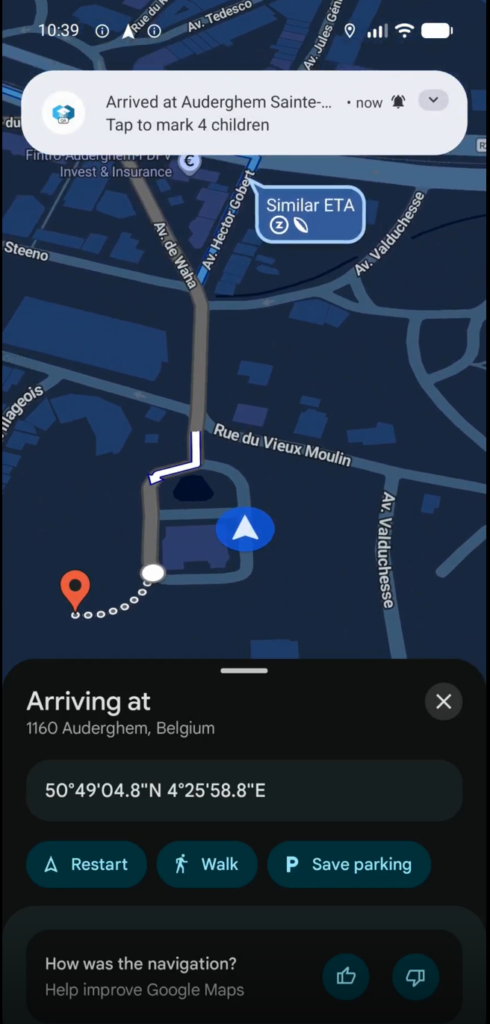
Navigate stop by stop
One tap opens Waze or Google Maps. On arrival, an alert shows who to collect and leads straight back to the app.
3
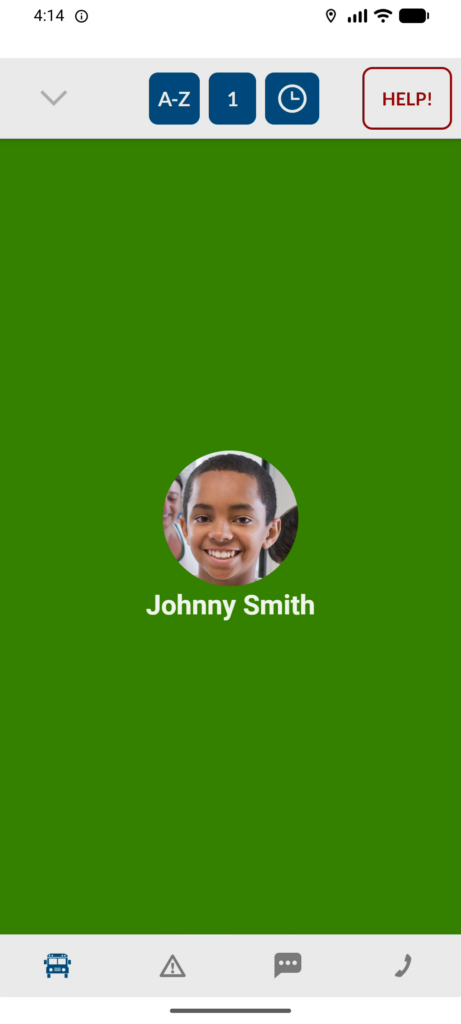
Check every child in
Scan an NFC card or QR code, or tap on screen. With a scan, the child's photo appears so staff can confirm it's the right student.
4
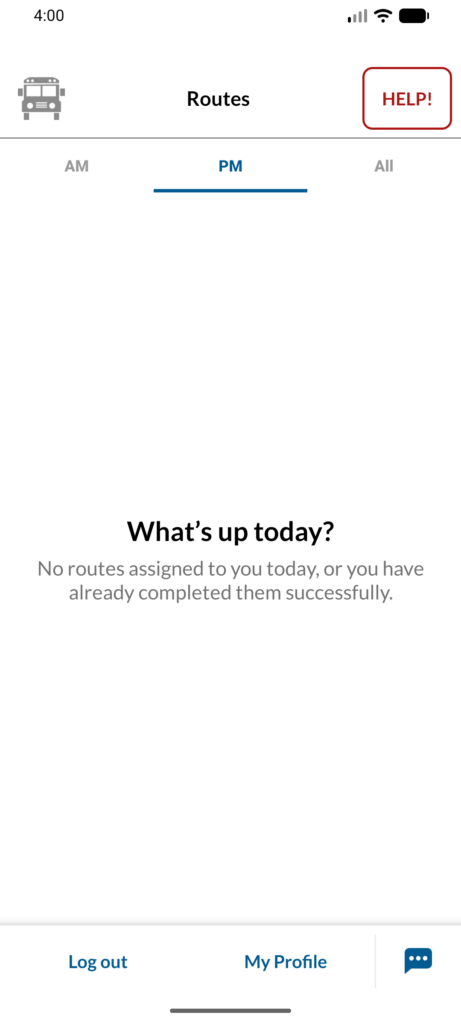
Finish with an empty-bus check
Staff confirm every child has left before the route closes, so no child is ever left on board.
Built for the realities of a school run
Busy stops, handled
At larger stops, mark who boarded and tap Boarding complete. Anyone not marked is recorded as missed.
Medical info at hand
Students with important medical information are flagged on the list. One tap shows the details staff need in an emergency.
Delays reported in seconds
Pick a delay time and reason from a template. No typing, and the school and parents are kept informed.
Help button
Alerts the transport office straight away and gives staff a number to call them directly.
Works with poor signal
Check-ins are saved on the phone and sync automatically when the connection comes back.
Messages from the school
In-app notifications reach drivers and monitors directly, with no SMS charges.
See the Bus Staff App on your routes
We'll show you how it works with your school's buses, stops and students.